
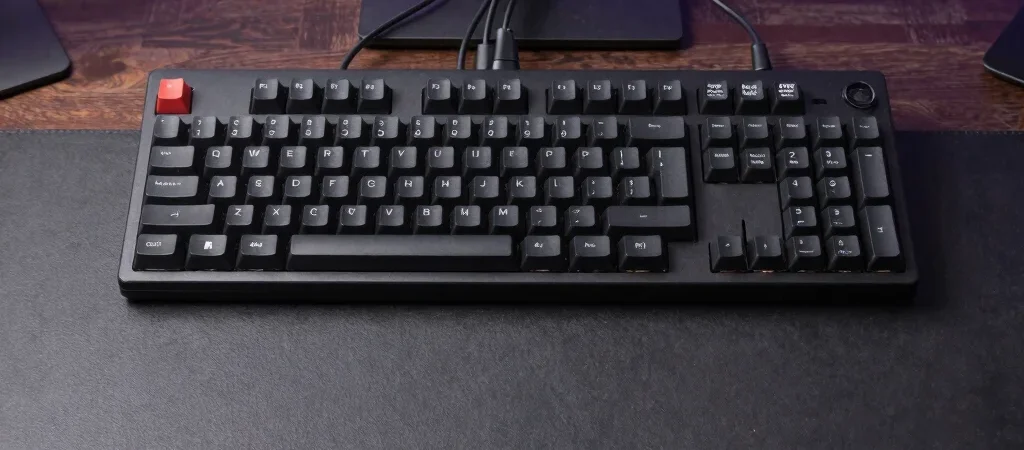
When producing performance UGC and detailed gear reviews at scale, workspace friction quickly compounds into creative burnout. Designing an intentional desk setup is about removing physical clutter so your editorial focus stays entirely on the edit timeline. A streamlined creator toolkit empowers you to output polished edits with far less physical strain.
Cable Management and Clean Desktop Surface
Mounting power bricks and audio hubs underneath a matte charcoal desk surface keeps desktop space clear for physical product staging. Running a single Thunderbolt dock to dual monitors maintains an immediate, low-latency editing rig. Having a clean physical workspace reduces visual fatigue during long editing sessions.
Tactile Control with Dedicated Macro Pads
Mapping essential timeline commands to a mechanical macro pad accelerates ripple cuts, color adjustments, and asset tagging. Tactile dials allow precise audio gain adjustments without requiring deep menu navigation in your editing software. These small tactile interactions keep your eyes fixed on the footage pacing.
Monitor Ergonomics and Dual Screen Workflow
Positioning a color-calibrated primary display at eye level prevents neck strain during continuous editing marathons. A vertical secondary screen keeps script notes, client creative briefs, and shot lists visible alongside your primary timeline. This layout eliminates tab switching and keeps critical project assets visible at a glance.